Streamlining Client Onboarding: A Guide for Tampa Service Businesses
By Alex De Gracia, Founder, Everyday Workflows
The "Busy" Trap in Tampa Bay
If you’re running a service-based business in Tampa right now, you know the feeling. The market is hot. From the booming real estate developments in Water Street/Channelside to the explosion of creative agencies in Ybor City, business is good. But with growth comes a hidden enemy: the administrative bottleneck.
We see it constantly at Everyday Workflows. A brilliant consultant or agency owner lands three new clients in a week. Instead of celebrating, they panic. Why? Because they know the next 48 hours will be consumed by drafting contracts, chasing down deposits, manually inputting data into a CRM, and setting up project folders.
This is the "Busy Trap." You are too busy working in your business to work on your business.
In this guide, we are going to walk you through exactly how to automate your client onboarding process. We aren't talking about "instant magic buttons"—automation takes work to set up. However, with a dedicated approach, businesses can typically reclaim 10 to 15 hours a week within their first month of implementation.
The High Cost of Manual Onboarding
Before we dive into the "how," let's look at the math. We recently audited a marketing firm in Westshore. They believed their onboarding process was "white-glove" and "high-touch." In reality, it was slow and error-prone.
Here is what their manual process looked like for a single client:
- Email Correspondence: 45 minutes (scheduling, back-and-forth).
- Contract Generation: 30 minutes (finding the template, editing names, PDF conversion).
- Invoicing: 15 minutes (creating in QuickBooks, disjointed from contract).
- Project Setup: 60 minutes (creating Google Drive folders, Trello boards, Slack channels).
- Welcome Packet: 20 minutes (customizing the PDF).
Total time per client: ~3 hours. At 4 clients a month: 12 hours of administrative drudgery.
That is nearly two full workdays a month lost to tasks that a computer can do better, faster, and without typos. By automating this stack, our team helped them reduce that active time to just 15 minutes per client—essentially a final review before hitting "approve."
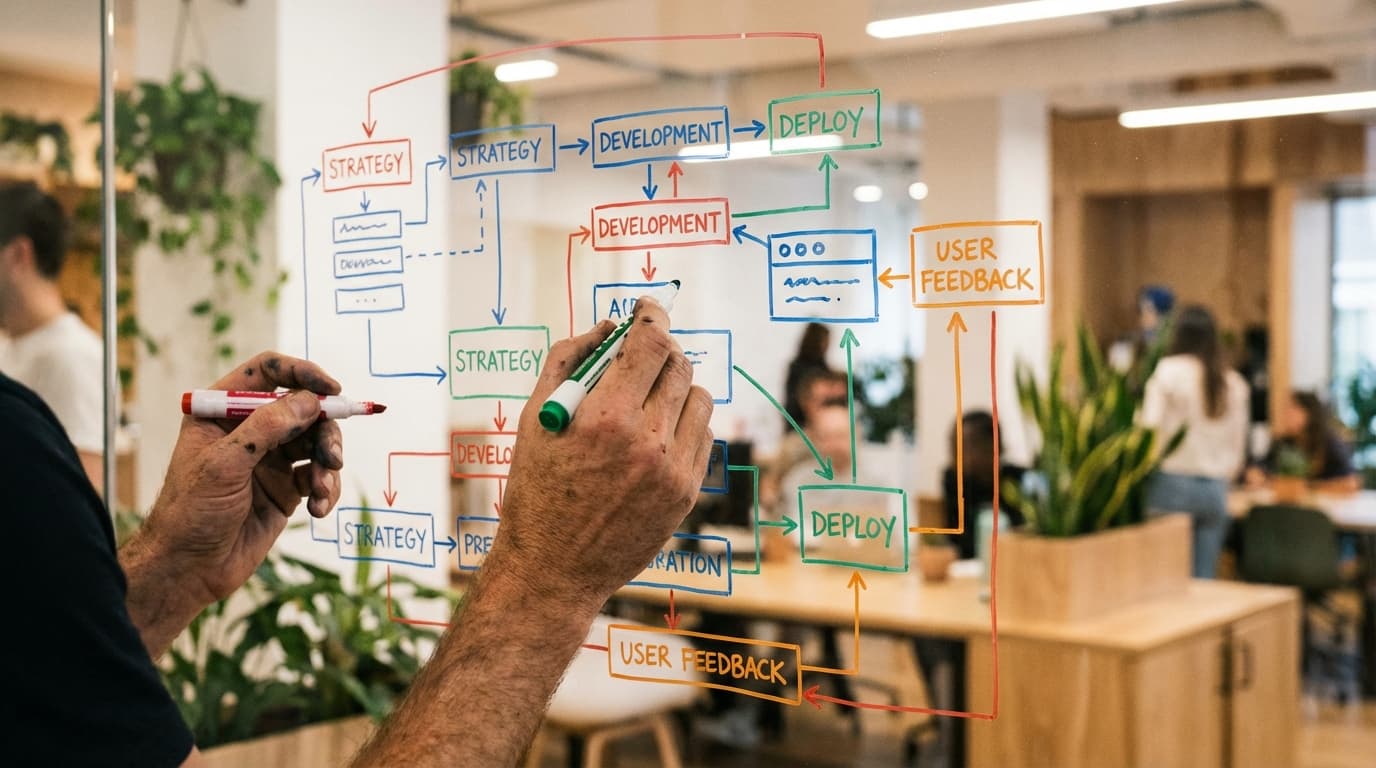
Phase 1: Mapping the Flow (The "Ybor Trolley" Method)
You cannot automate a mess. If your current process is chaotic, automation will only make the chaos happen faster. Before looking at software, we need to map your workflow.
We like to call this the "Ybor Trolley" method—you need to know exactly where the stops are, from Station A (Inquiry) to Station Z (Project Start).
Step 1: The Brain Dump
Grab a whiteboard or a stack of sticky notes. Write down every single action you take when a lead comes in. Be granular.
- "I read the email."
- "I check my calendar."
- "I reply with availability."
- "I create a folder in Drive."
Step 2: Identify the Triggers
In automation language, a Trigger is the event that starts the engine.
- Trigger: Client signs the contract.
- Action: Send invoice.
- Action: Create Google Drive folder.
- Action: Slack the team.
Step 3: Identify the Decision Points
Where do things diverge?
- If the client is "Real Estate," send the "Real Estate Welcome Packet."
- If the client is "Corporate," send the "B2B Welcome Packet."
Once you have this map, you are ready for tools.
Phase 2: The Tech Stack
At Everyday Workflows, we believe in keeping the tech stack lean. You do not need enterprise-level software to run a six-figure agency in Tampa. Here represents our standard recommendation for service businesses:
- CRM / Booking Engine: HoneyBook or Dubsado. These tools handle the "front of house"—contracts, scheduling, and invoicing.
- Project Management: ClickUp or Asana. This is where the work actually happens.
- The Glue: Zapier or Make. This connects the CRM to the Project Management tool.
- Communication: Slack and Gmail.
Why Not All-in-One?
We often get asked, "Why not just use one tool for everything?" The truth is, "all-in-one" tools are usually a "master of none." A dedicated CRM handles signatures legally and securely. A dedicated PM tool handles complex Gantt charts. Using Zapier to bridge them gives you the best of both worlds.
🚀 Ready to reclaim your time?
Building these systems can be complex, but you don't have to do it alone. Our team at Everyday Workflows specializes in building custom automation architectures for Tampa businesses.
Book your free discovery call today and let's discuss how we can eliminate your manual tasks in 2-4 weeks.
Phase 3: Building the Automation (Step-by-Step)
Let’s build a standard "New Client Onboarding" automation. We will assume you are using HoneyBook for contracts and ClickUp for tasks, connected by Zapier.
1. The Trigger: Contract Signed & Retainer Paid
Do not start onboarding until the money is in the bank. In HoneyBook, set up an automation trigger for "Payment Made" on the first invoice.
This ensures you never accidentally onboard a client who hasn't committed.
2. The Zapier Bridge
Log into Zapier. We are going to create a "Culti-Step Zap."
- Trigger App: HoneyBook
- Trigger Event: Project Booked (Signed & Paid)
- Filter: Only continue if Project Type contains "Retainer" (This prevents one-off consults from triggering the full onboarding).
3. Action: Create Digital Infrastructure
This is where the magic happens. We want Zapier to handle the file management.
- Action App: Google Drive
- Action Event: Create Folder
- Folder Name:
[Client Name] - [Month] [Year] - Parent Folder: "Active Clients"
Pro Tip: You can also have Zapier copy a "Template Folder" structure (with sub-folders for Assets, Drafts, and Contracts) into this new client folder so the hierarchy is ready instantly.
4. Action: Team Notification
Stop emailing your team "Hey, we signed Client X!" Automate it.
- Action App: Slack
- Action Event: Send Channel Message
- Channel: #wins
- Message Text: "🚨 New Client Alert! [Client Name] has just signed and paid. Project folder is ready here: [Link from Step 3]."
5. Action: Project Deployment
- Action App: ClickUp
- Action Event: Create Folder from Template
- Template: "Standard Onboarding Template"
- Folder Name: [Client Name]
By using a template in ClickUp, your team immediately sees the checklist: "Schedule kick-off," "Request logos," "Audit social accounts." No tasks are forgotten.
Phase 4: The "Tampa Touch" (Humanizing Automation)
A common fear we hear from local business owners—whether they are in Hyde Park or Brandon—is that automation feels robotic. "I don't want my clients to feel like a number."
We agree. The goal of automation is not to remove the human element; it is to remove the robotic tasks so you can be more human.
The "Personalized" Automated Email
In your CRM, you can set up the "Welcome Email" to send automatically 5 minutes after the contract is signed.
- Bad Automation: "Thanks for signing. Here are the next steps."
- Good Automation: "Hi [First Name]! We are thrilled to officially welcome [Company Name] to the family. I’ve just received your contract. While I review the details, please check out our detailed Welcome Guide linked below. I’ll be reaching out personally within 24 hours to book our kick-off strategy session."
This email feels personal, immediate, and reassuring. It buys you 24 hours to actually reach out, while the client feels instantly taken care of.
The Local Context
If you serve a purely local market, add local flavor to your automated templates.
- If your Welcome Guide includes a list of "Preferred Vendors" (photographers, printers), list local Tampa partners you trust.
- Mention meeting spots. "We can host our strategy sessions at our office, or we’re happy to meet at Buddy Brew in Oxford Exchange if you prefer a more casual setting."
Realistic Timelines: What to Expect
We value transparency at Everyday Workflows. Implementing this level of automation is not an overnight fix.
- Weeks 1-2: The Audit & Setup. This involves cleaning up your existing data and defining your process. It is messy work.
- Week 3: The Build. Connecting the APIs, testing Zaps, and troubleshooting errors (because APIs always throw errors eventually).
- Week 4: The Soft Launch. Running one or two new clients through the system while monitoring closely.
Typically, our clients see a fully stabilized, automated workflow within 30 to 45 days. Once established, however, the ROI is perpetual.
Maintenance: The Quarterly Review
Automation is not "set it and forget it" forever. Software updates happen. HoneyBook changes its API; ClickUp changes its layout.
We recommend a quarterly "Systems Checkup." Spend two hours reviewing your Zaps. Are they still firing correctly? Do you need to update your email templates? Has your business model changed?
Conclusion
The difference between a stressed business owner and a scaling business owner is rarely talent—it is systems. In a market as competitive as Tampa, you cannot afford to waste hours on data entry that could be spent on strategy or client relationships.
By implementing a stack like HoneyBook + Zapier + ClickUp, you aren't just saving time; you are building an asset that increases the value of your company.
Start small. Map your process today. And if you get stuck, you know where to find us.

The Author
Alex De Gracia
Founder & Lead Automation Consultant
Founder of Everyday Workflows with expertise in workflow automation, AI implementation, and business process optimization. Active in Tampa business community, South Tampa Chamber of Commerce, and Young Catholic Professionals Tampa.
Our ApproachReady to Automate?
Book a free strategy session to discuss how intelligent automation can transform your business operations.
Book Strategy Session