Automating Client Onboarding: A Blueprint for Tampa Service Businesses
By Alex De Gracia, Founder, Everyday Workflows
Running a service-based business in the Tampa Bay area presents a unique set of challenges. Between the frantic pace of hurricane season preparations, the sheer geographic spread from St. Pete to Wesley Chapel, and the competitive density of the I-4 corridor, local business owners rarely have a moment to breathe. When you are focused on keeping trucks on the road or delivering client deliverables, "administrative efficiency" often falls to the bottom of the priority list.
However, after consulting with dozens of businesses across Hillsborough and Pinellas counties—from HVAC contractors in Drew Park to boutique law firms in Hyde Park—our team at Everyday Workflows has successfully identified a common bottleneck. The primary inhibitor of growth isn't a lack of leads or market demand; it is the friction caused by manual, repetitive client onboarding processes.
In this guide to business process automation, we will walk you through exactly how to dismantle the "busy work" trap. We will look at how to automate your client intake, streamline communication, and reclaim 10 to 15 hours a week using tools you likely already have in your tech stack.
The Hidden Cost of Manual Onboarding in Tampa’s Service Sector
When a new lead comes in, what happens next? For many businesses, it triggers a chaotic game of "administrative tag." You might copy data from an email, paste it into a spreadsheet, manually draft a contract, send it via a separate e-signature tool, and then create a folder in Google Drive.
While this might take "only 15 minutes" per client, the cumulative effect is devastating. If you are onboarding five clients a week, that is over an hour of high-value time lost. But the real cost isn't just time; it is context switching.
Psychological research indicates that it takes an average of 23 minutes to regain focus after an interruption. If you stop your strategic work to handle a manual intake process three times a day, you are effectively losing half your productive day. For a high-growth company in the competitive Tampa market, this inefficiency is the difference between scaling up and burning out.
The "Silo" Problem
Local businesses often acquire software tools in a piecemeal fashion. You might use:
- ServiceTitan, Jobber, or Clio for operations.
- QuickBooks Online for accounting.
- Gmail/Outlook for communication.
- Mailchimp for marketing.
The problem arises when these tools don't talk to each other. Data silos lead to errors. A typo in a customer's address in QuickBooks results in a technician driving to the wrong street in South Tampa. A forgotten email update leaves a client in Westshore wondering if their project has started. Automation bridges these gaps.
Phase 1: Mapping Your "Happy Path"
Before we write a single line of logic or open Zapier, we must map the process. We cannot automate a mess. At Everyday Workflows, we start every engagement by defining the "Happy Path"—the ideal journey a client takes from "Lead" to "Paid."
grab a whiteboard or a tool like Miro and sketch out these steps:
- Trigger: How does the client enter your world? (e.g., Website form, phone call, referral).
- Data Capture: What info is strictly required? (Name, Email, Service Type, Zip Code).
- Validation: Do we need to check if they are in our service area? (e.g., excluding Brandon if you only serve South Tampa).
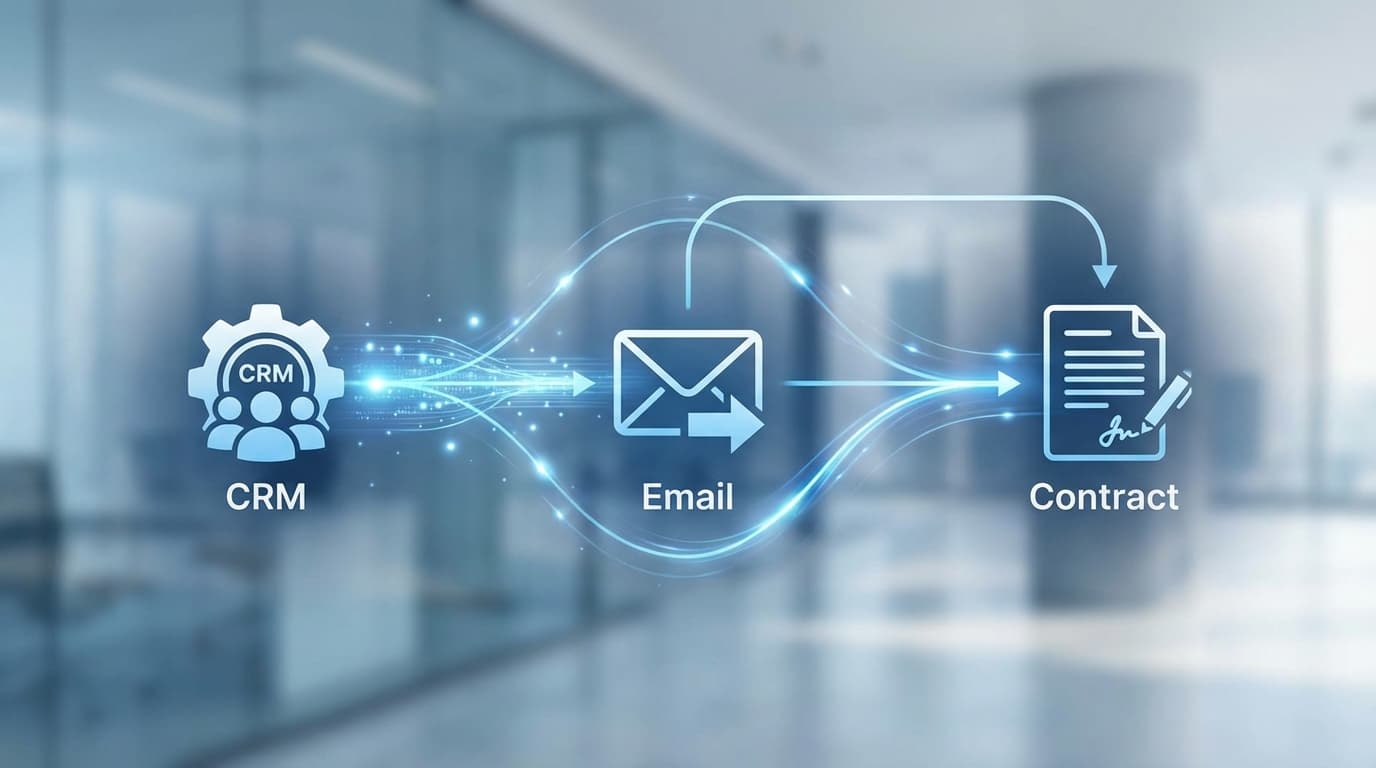
- Action 1 (CRM): Create a contact in the CRM.
- Action 2 (Comm): Send a "Welcome" email.
- Action 3 (Ops): Create a project folder or ticket.
- Action 4 (Finance): Generate a deposit invoice.
Once this map is visible, we can usually identify at least three steps that require zero human intervention.
Phase 2: The Technical Implementation (Step-by-Step)
Let’s look at a practical example relevant to a home service business or agency using a standard stack: a WordPress website (Elementor forms), a CRM (like Pipedrive or HubSpot), and Slack for internal notifications.
Step 1: Standardizing the Input
The most common point of failure in automation is "dirty data." If one client types "813-555-0199" and another types "(813) 555-0199," your automation might break.
- Our Recommendation: Use rigorous form validation on your website. Ensure phone number fields require a specific format and that "Service Type" is a dropdown menu, not a free-text field. This ensures the data entering your pipeline is clean.
Step 2: building the Bridge (Zapier or Make)
We often recommend Zapier for straightforward integrations due to its user-friendly interface, though Make (formerly Integromat) is powerful for complex logic.
- Create a Trigger: Select your form provider (e.g., "Gravity Forms" or "Typeform"). Set the event to "New Submission."
- Filter (Optional): If you only want to automate high-value leads, add a filter step. For example, "Only continue if 'Budget' is greater than $1,000."
Step 3: updating the CRM
Map the fields from your form to your CRM.
- Form Name → CRM Person Name
- Form Email → CRM Person Email
- Form Inquiry → CRM Note/Deal Description Pro Tip: Always search for an existing contact before creating a new one. most automation tools have a "Find or Create" action. This prevents duplicate records for repeat customers—a common headache for service businesses in the Tampa Bay area with recurring clientele.
🚀 Ready to Automate Your Busy Work?
Stop drowning in admin tasks. Let our Tampa-based team build your custom automation roadmap.
Get Your Free Workflow Audit
Phase 3: Automating the Client Experience
Internal automation saves you time, but external automation wins you business. In a market like Tampa, speed is authority. If a potential client contacts three vendors, the one who replies instantly with a professional onboarding packet usually wins the job.
The "Instant Acknowledgment" Workflow
Do not rely on the generic "Thank you for your submission" screen. Instead, configure an automated email sequence that adds immediate value:
- Immediate Receipt: "Hi [Name], we received your request about [Service Type]."
- Expectation Setting: "Our team reviews requests between 9 AM and 5 PM. You can expect a personal follow-up within 4 hours."
- Pre-Education: Attach a PDF guide or link to a blog post about their specific issue (e.g., "Preparing for Your AC Installation" or "What to Expect During Your Legal Consultation").
This approach keeps the lead warm and positions your brand as hyper-organized and professional.
Contract and Invoicing Automation
The friction of printing, signing, and scanning documents is a major drop-off point. We recommend integrating tools like PandaDoc or DocuSign.
- The Workflow: When a deal stage moves to "Proposal Accepted" in your CRM, trigger an automation to generate a contract using a template, pre-fill the client’s data, and email it for signature.
- The Result: We have seen contract turnaround times drop from 3 days to 4 hours using this method.
Real-World Application: A Ybor City Agency Case Study
To illustrate the power of this approach, let's look at a recent project our team handled for a digital marketing agency based in Ybor City.
The Challenge: The agency was growing fast, adding 5-10 clients a month. However, the account managers were spending 4 hours per new client just setting up Trello boards, Slack channels, and Google Drive folders.
The Solution: We implemented a "One-Click Onboarding" system.
- When a contract was signed in PandaDoc, a webhook fired to Zapier.
- Zapier automatically:
- Created a new seamless folder structure in Google Drive (Assets, Strategy, Reports).
- Created a new Project in their project management tool.
- Invited the client to a dedicated Slack channel.
- Posted a "New Win!" message in the internal team chat.
The Outcome: The agency saved approximately 30 hours of project management time per month. More importantly, the structured setup meant no files were ever lost, and every client had a consistent "Day 1" experience.
Navigating the Human Element
While we are evangelists for automation, we also believe in the "Human-in-the-Loop" philosophy. Not everything should be automated.
In a close-knit community like Tampa, relationships matter. Automation should handle the transactional tasks so that you can focus on the relational ones.
- Automate: Data entry, appointment reminders, invoice generation, file organization.
- Do Not Automate: Apologies, complex strategy discussions, or high-stakes negotiations.
If a client has a complaint, an automated "We received your ticket" response can feel cold. In those instances, a personal phone call from a localized (813) area code is irreplaceable. Use automation to alert you to the complaint, not to handle the conversation for you.
Getting Started with Your Workflow Audit
The journey to a fully automated operation doesn't happen overnight. It starts with identifying the "low hanging fruit"—those repetitive, low-value tasks that eat up your mornings.
Start by tracking your time for one week. Write down every task you do that involves copying and pasting, moving files, or typing the same email twice. These are your automation candidates.
Whether you are in the logistics hubs near the Port of Tampa or providing professional services in downtown, the tools to streamline your business are accessible and affordable. It just takes a commitment to process over busyness.
If you are ready to stop working in your business and start working on your business, we are here to help you map that journey.
Conclusion
Automation is not about replacing your workforce; it is about elevating them. By removing the drudgery of data entry and file management, you free your team to do what they do best: serve your clients and grow your business. In the thriving Tampa economy, efficiency is the ultimate competitive advantage. Don't let your processes drag you down. Make your workflows work for you.
About the Author

Alex De Gracia
Founder & Lead Automation Consultant
Founder of Everyday Workflows with expertise in workflow automation, AI implementation, and business process optimization. Active in Tampa business community, South Tampa Chamber of Commerce, and Young Catholic Professionals Tampa.
Learn more about our approach →Last updated: February 13, 2026
Ready to automate your workflows?
Book a free strategy session to discuss how automation can transform your business.