Zapier Agents for Small Business: Tampa 2025 Implementation
By Alex De Gracia, Founder, Everyday Workflows
Introduction
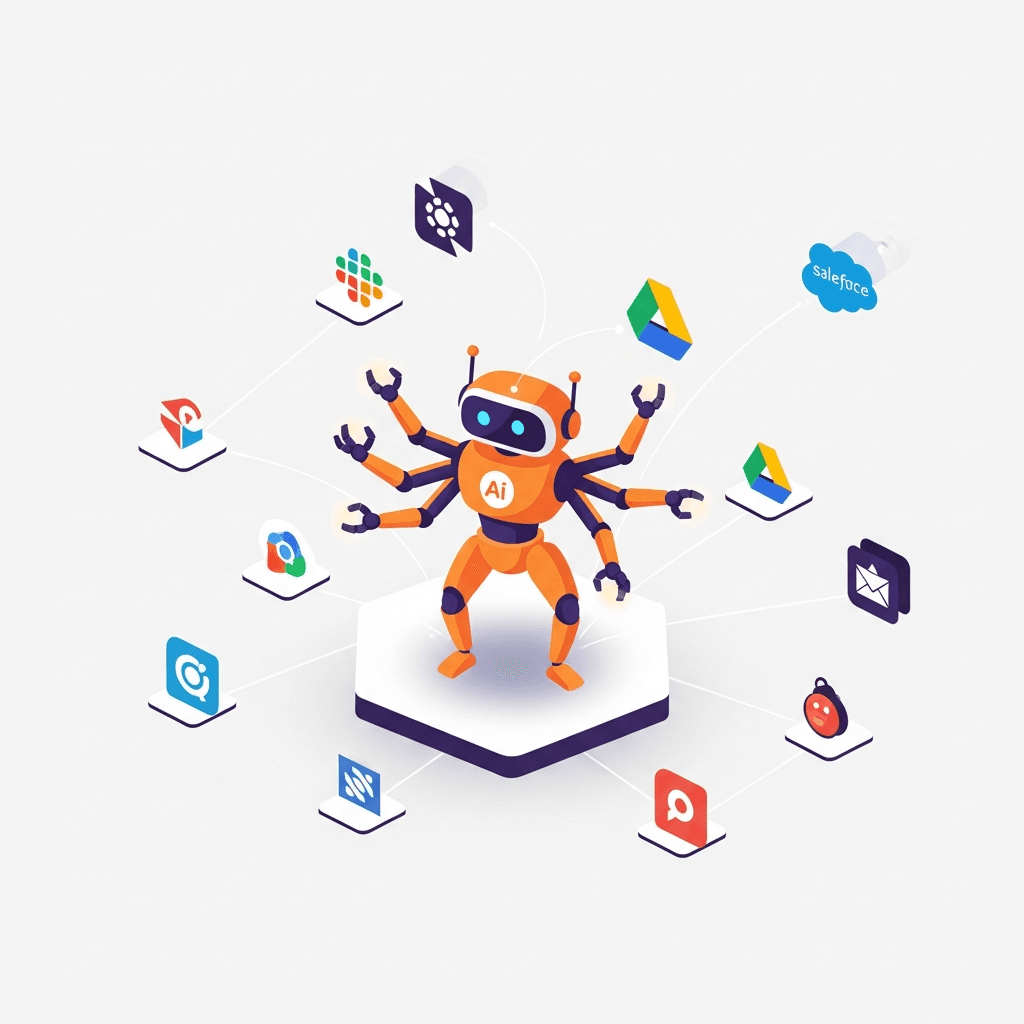
If your team juggles email follow-ups, spreadsheet updates, and chat replies across multiple apps, you’re not alone. In 2025, Zapier introduced Agents (beta) and expanded support for Model Context Protocol (MCP), making it possible for AI teammates to operate across 8,000+ integrations—plus adding pods, activity views, and governance to keep work organized. For Tampa owners, this is a practical shift: instead of “smart chat,” you get Zapier Agents for small business that can research, decide, and take action in your stack (HubSpot, Gmail, Slack, Google Sheets, Twilio, and more).
This guide translates recent Zapier news into day-to-day outcomes for Tampa gyms, restaurants, salons, and professional services. You’ll learn where Agents deliver measurable ROI, how to pilot safely in ~14 days, and realistic ranges most teams see (admin down 15–30%, response faster 40–70%). We’ll also cover district considerations and an implementation roadmap tailored to local market dynamics.
What Zapier Agents for small business Means for Your Business
Zapier’s updates give small teams agentic capability that can act across apps with guardrails. Highlights from recent releases and product notes:
- Agents (beta) that handle tasks autonomously
- Knowledge connections (CRM, docs, spreadsheets) for better context
- MCP support so AI tools like Claude/Gemini can safely call Zapier actions
- Pods to group agents by workflow and an activity screen to monitor runs
- Expanded AI integrations and enterprise governance to manage access
Translated into Tampa SMB outcomes:
-
Actionable AI across your apps
- Agents can log CRM notes, send emails/SMS, update Sheets, and route tasks—no manual copy-paste.
- Typical impact: 15–30% fewer administrative steps; fewer dropped follow-ups.
-
Faster, more consistent response
- Agents watch web forms, inboxes, and DMs; they draft and send low-risk replies or queue approvals.
- Typical impact: first response time improves 40–70%; reply rates lift 5–12% with timely, consistent messages.
-
Clear oversight without rework
- Pods group related agents (e.g., inquiries, proposals); the activity view shows what ran and what needs input.
- Typical impact: managers reclaim 2–4 hours/week monitoring progress across tools.
-
Safer AI actions via MCP
- MCP connects your AI model to Zapier’s vetted actions instead of ad‑hoc direct API calls.
- Typical impact: fewer security reviews, better audit trails, and role-based access alignment.
Key takeaways:
- You don’t need to replace your stack—Agents add autonomy to the tools you already use.
- Keep humans in the loop: start with draft‑first and approvals for discounts, contracts, VIPs.
- Measure outcomes, not hype: track response time, conversion to booking/sale, hours saved, and data completeness.
How Tampa Businesses Can Leverage Zapier Agents for small business
Below are three local use cases with steps and realistic ranges. Each assumes Agents for orchestration with your existing apps (HubSpot/Zoho, Google Workspace, Slack, Twilio). For similar automations and outcomes, visit our services and client results.
- Restaurants and hospitality (Downtown, Channelside, Ybor)
- Steps:
- Connect web forms and catering inquiries to HubSpot/Gmail; enable an Agent to triage FAQs (hours, parking, menus) and qualify private dining requests.
- Auto‑draft proposals from menu PDFs and past events; route high‑value inquiries to a manager with a summary and next steps in Slack.
- Send SMS confirmations via Twilio and log outcomes to the CRM.
- Typical impact:
- 20–35% faster proposal turnaround
- 10–20% higher inquiry‑to‑tour conversion
- 15–25% less front‑desk admin on repetitive Q&A
- Fitness studios and gyms (Hyde Park, Westshore, Seminole Heights)
- Steps:
- Sync trial signups and membership activity (Mindbody/Glofox → CRM → Sheets).
- Deploy an Agent to follow up trials with personalized email/SMS and class suggestions; escalate warm leads to staff.
- Watch churn signals (missed classes, freezes) and trigger win‑back flows with coach approvals.
- Typical impact:
- 15–30% lift in trial‑to‑member conversions
- 8–15% reduction in churn among at‑risk members
- 10–20 hours/month saved on manual follow-ups and logging
- Salons, spas, and professional services (Hyde Park, Downtown, Westshore)
- Steps:
- Pipe website inquiries and Calendly bookings to the CRM; confirm appointments via Agent with branded templates.
- Auto‑draft pre‑care/post‑care or consultation prep from a central doc folder; route complex questions to staff.
- Summarize calls and emails to contact records; track next steps and send reminders.
- Typical impact:
- 20–40% faster first response and scheduling
- 10–18% fewer no‑shows with consistent reminders
- 15–25% less time spent compiling notes and updating records
Tampa Market Considerations
- Westshore (corporate, hotels, airport): Weekday peaks and corporate buyers. Prioritize proposal kits, meeting coordination, and role-based approvals. Document data scopes and audit logs to satisfy enterprise partners.
- Downtown (mixed retail/hospitality): High foot traffic Thu–Sat. Configure after‑hours coverage and large‑party triage; Agents should send reservation links and queue proposals before staff arrives.
- Hyde Park (boutique/upscale): Personalization matters. Train Agents on tone guides, loyalty tiers, and VIP rules; keep manager approvals for price exceptions.
- Channelside (tourism/entertainment): Cruise‑driven surges. Use Agents to pre‑qualify groups, hold time‑boxed options, and dispatch reminders aligned to sailing schedules.
- Seminole Heights (local/cafes): Lean teams. Start with inquiry triage, daily specials, and confirmation messages; expand only after KPIs show clear time savings.
Implementation Roadmap
Most Tampa teams can pilot and launch in ~14 days with founder‑led support and clear KPIs.
- Day 1–2: Discovery and data hygiene
- Map top intents (inquiries, trials, bookings) and channels (web, email, SMS, DMs).
- Clean CRM fields, templates (email/SMS), and key docs (menus, policies, pricing).
- Day 3–5: Configure Agents, knowledge, and guardrails
- Create Agents for 1–2 workflows; connect knowledge sources (CRM, Sheets, Docs).
- Set draft‑first for outbound and approvals for discounts, VIPs, and sensitive topics.
- Day 6–8: Integrations and messaging
- Connect Gmail/Outlook, HubSpot/Zoho, Slack, and Twilio (SMS). Add calendars/Sheets for tracking.
- Define pods to group agents (e.g., inquiries, proposals, reminders) and enable the activity view.
- Day 9–11: Pilot and instrument KPIs
- Run with one location/team. Track response time, conversion to booking, hours saved, data completeness.
- Tune prompts, templates, and routing; decide which messages Agents can send automatically.
- Day 12–14: Rollout and training
- Expand approved automations (confirmations, reminders, FAQ replies).
- Train staff on approvals and escalations; publish a one‑page playbook in Slack or Drive.
Ready to launch your first AI agent?
Most clients see measurable results within ~14 days with clear KPIs and ongoing support.
Book FREE Strategy Session
Common Questions & Concerns
Q: Is this too complex for my small business?
A: Not typically. We start with one or two Zapier Agents for small business workflows (inquiries + confirmations), connect your existing apps, and keep humans in the loop. Most Tampa clients are live in ~14 days, then expand once KPIs validate the pilot.
Q: How much will this cost?
A: Zapier usage varies by plan and activity volume. Typical pilots land in the $2.5K–$7.5K range for setup plus monthly SaaS (Zapier/CRM/Twilio). Most clients see admin down 15–30%, response faster 40–70%, and payback in weeks to a few months, depending on volume.
Q: Will AI replace my team?
A: No. Agents automate repetitive steps—triage, drafts, confirmations—while your staff handles nuance, VIPs, and exceptions. Most teams report higher satisfaction when routine admin drops and follow‑through improves.
Conclusion & Final CTA
Zapier’s Agent + MCP updates turn AI from “smart chat” into practical action across your apps—ideal for Tampa restaurants, gyms, salons, and service firms. With a scoped rollout, Zapier Agents for small business can cut admin 15–30%, speed response 40–70%, and tighten follow‑through—typically live in ~14 days.
If you want a founder‑led plan with guardrails, KPIs, and hands‑on setup, book a FREE strategy session. Explore our services and real client results to see what’s achievable this month.
About the Author

Alex De Gracia
Founder & Lead Automation Consultant
Founder of Everyday Workflows with expertise in workflow automation, AI implementation, and business process optimization. Active in Tampa business community, South Tampa Chamber of Commerce, and Young Catholic Professionals Tampa.
Learn more about our approach →Last updated: November 25, 2025
Ready to automate your workflows?
Book a free strategy session to discuss how automation can transform your business.


