Automating Scheduling and Dispatch for Tampa Service Businesses
By Alex De Gracia, Founder, Everyday Workflows
Operating a service business in the greater Tampa Bay area comes with a unique set of challenges. Between managing a highly distributed workforce, navigating unpredictable traffic across the bridges, and dealing with a rapidly growing local population, local service companies are under immense pressure to perform. Whether you run a plumbing fleet that services high-rises in Downtown Tampa, an HVAC company keeping residential neighborhoods in South Tampa cool, or an electrical contracting firm bouncing between Ybor City and Wesley Chapel, inefficiency in your dispatch and scheduling processes can silently drain your profit margins.
At Everyday Workflows, we have seen firsthand how relying on manual scheduling, whiteboards, and endless phone calls limits a company’s ability to scale. Technicians end up driving back and forth across the Howard Frankland Bridge unnecessarily, dispatchers burn out from the cognitive load of tracking a dozen moving targets, and customers become frustrated waiting for a technician who is delayed in I-275 traffic.
We firmly believe that automation is not just for global enterprises or tech startups. Everyday, local service businesses can leverage automated workflows to streamline dispatch, optimize routes, and keep customers informed. While there are no “instant” fixes in business operations, a well-planned automation initiative can typically transform your daily operations within an estimated 2-4 weeks.
In this comprehensive guide, our team will walk you through the hidden costs of manual dispatching, the core components of an automated scheduling system, and a step-by-step roadmap to implementing these workflows in your local Tampa service business.
The Hidden Costs of Manual Dispatching in the Tampa Market
When you rely on a manual process for assigning jobs and routing technicians, the costs do not show up as a single line item on your profit and loss statement. Instead, they bleed out through dozens of minor inefficiencies that happen every single day.
For a field service business operating across Hillsborough, Pinellas, and Pasco counties, manual dispatching often leads to:
- Excessive Fuel and Vehicle Wear: When routes are not dynamically optimized, a technician might finish a job in Brandon, drive to St. Petersburg for the next, and then get called back to Riverview. This zig-zagging destroys fuel economy and adds thousands of unnecessary miles to your fleet every year.
- Dispatcher Burnout: Your dispatch team acts as air traffic control. When they are forced to hold all the variables in their head—who called out sick, which technician has the right part for the AC unit, which customer is complaining about a delay—mistakes are inevitable.
- Lost Billable Hours: Every minute a technician spends sitting idle in traffic or waiting for a dispatch text is a minute they are not billing on a job site.
- Poor Customer Experience: In today's market, customers expect the "Uber experience." They want to receive a text message letting them know their technician is en route, complete with an estimated time of arrival. If they have to call your office to ask "Where is my technician?", the trust is already broken.
If your team is constantly putting out fires instead of proactively managing the day’s schedule, it is a clear indicator that your operational foundation requires an upgrade.
Core Components of an Automated Dispatch Workflow
To successfully transition from manual chaos to a streamlined, automated operation, you need a connected ecosystem of digital tools. Our team at Everyday Workflows emphasizes a specialized toolstack that integrates seamlessly.
The three core pillars of an automated dispatch workflow include:
- The Central Command System (CRM/FSM): You need a robust Field Service Management (FSM) software or Customer Relationship Management (CRM) platform acting as your single source of truth. Platforms like Jobber, ServiceTitan, or Housecall Pro excel at this.
- The Automation Middleware: This is the invisible glue that connects your apps together. Tools like Make or Zapier allow your FSM to talk to your accounting software, communication platforms, and marketing databases without writing custom code.
- The Customer Communication Gateway: Integrating automated SMS and email notifications (often through software like Twilio or native FSM features) ensures that your customers are kept in the loop automatically when a schedule changes natively.
Step-by-Step: Automating Your Scheduling and Dispatch
Moving from a manual process to a fully automated workflow requires a careful, methodical approach. Here is how we recommend tackling this transition to ensure long-term success.
1. Conduct a Comprehensive Workflow Audit
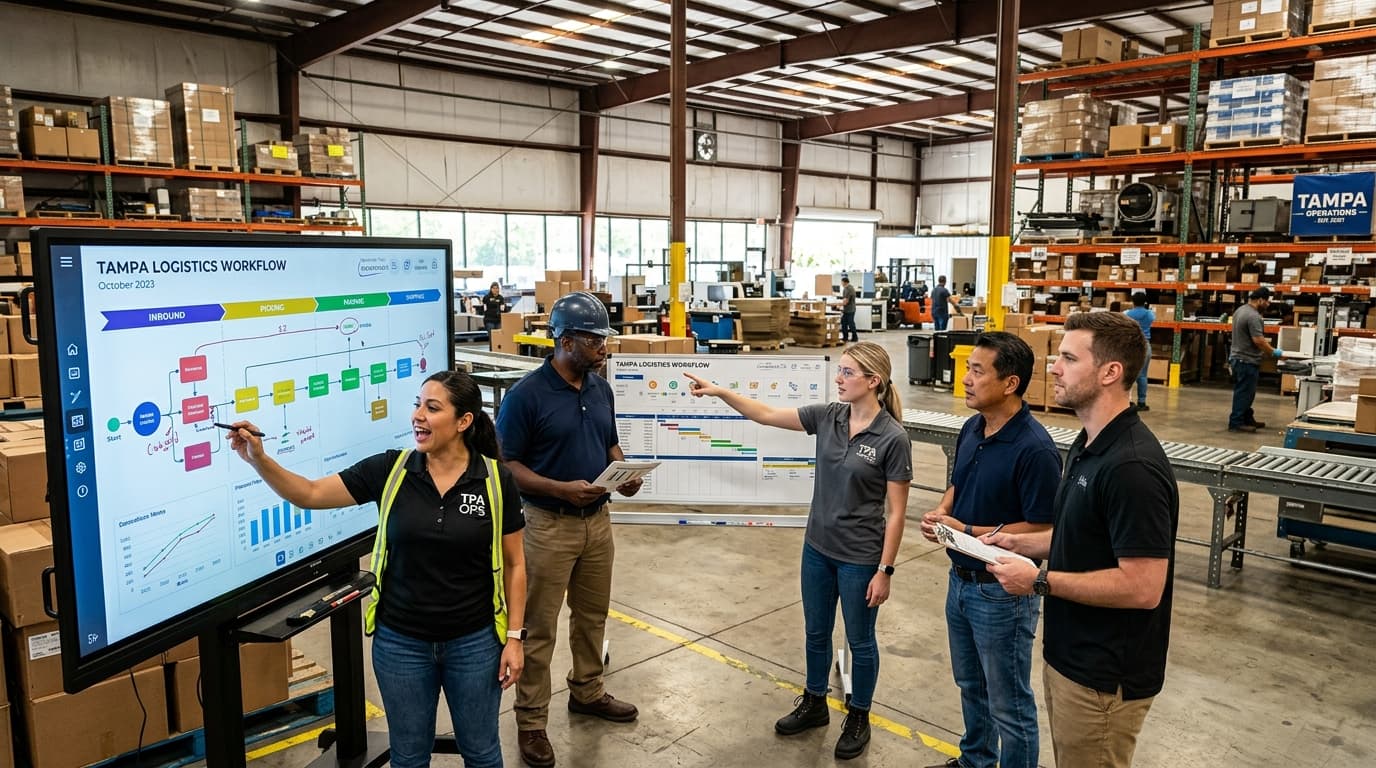
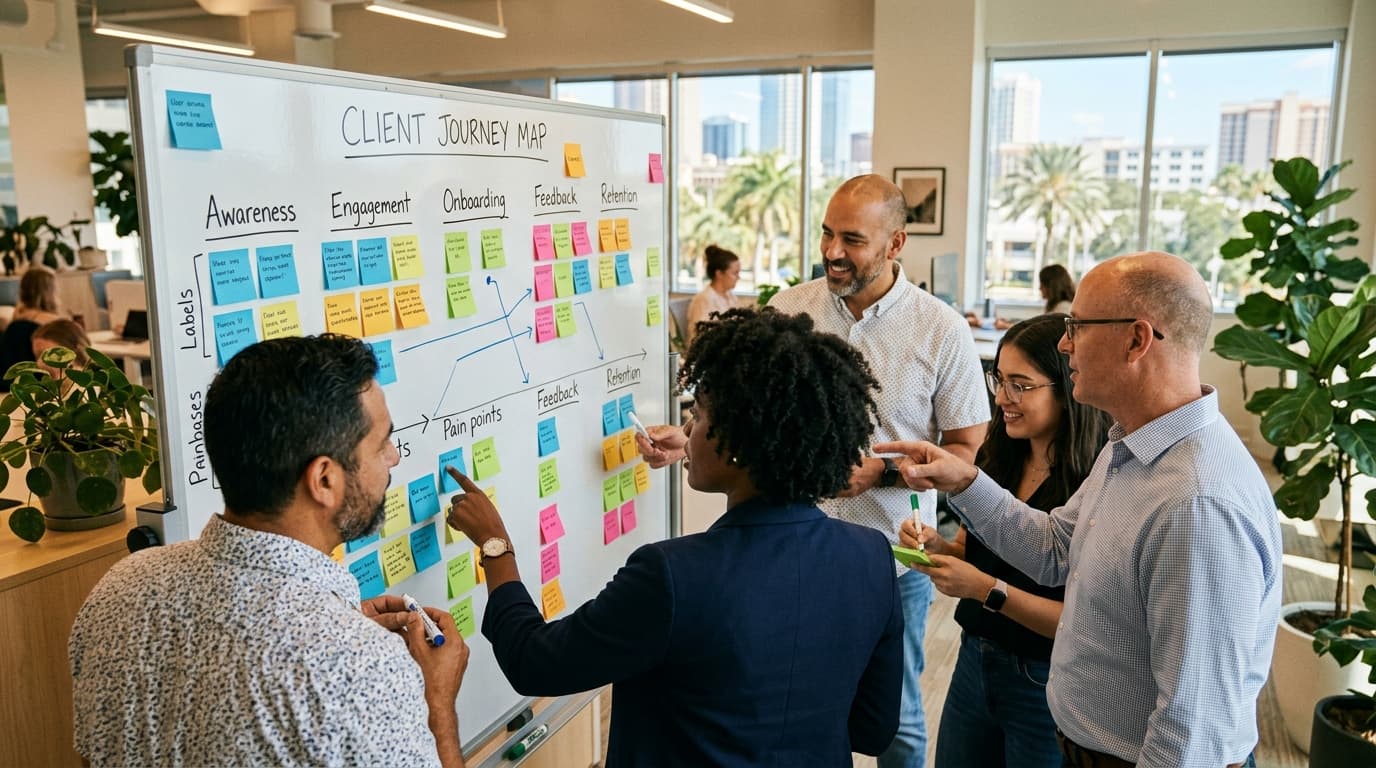
Before implementing any technology, you must fully understand your current process. Shadow your dispatchers for a day. Document exactly how a customer request turns into a scheduled job. Where are the bottlenecks? Are dispatchers copying and pasting customer addresses from an email into Google Maps? Documenting the manual process reveals exactly what needs to be automated.
2. Select and Configure the Right Tech Stack
Once your process is mapped, select an FSM platform that best suits your specific trade and business size. Set up your service areas strategically. For example, you might create geofenced territories for "North Tampa," "Pinellas County," and "East Hillsborough." Configure your system so that jobs automatically route to the technician assigned to that specific geofence on that particular day.
3. Implement Dynamic Route Optimization
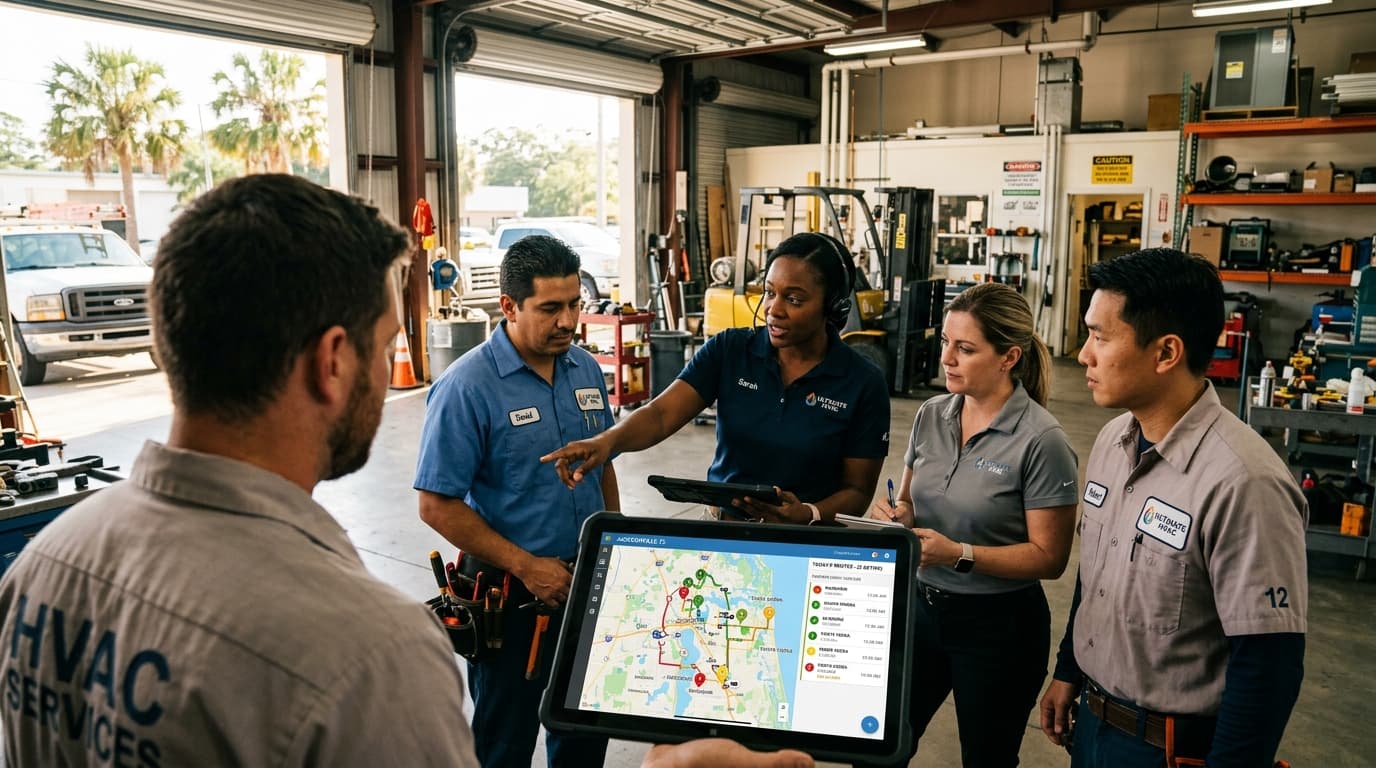
This is where automation shines in a sprawling metropolitan area like Tampa Bay. Using automated routing algorithms, your system can batch jobs based on proximity and historical traffic data. Instead of assigning jobs chronologically in the order they were booked, the software reorganizes the technician's daily schedule to minimize drive time. This ensures your team avoids the Courtney Campbell Causeway during peak rush hour, effectively recovering hours of lost billable time every week.
4. Automate Customer Lifecycle Communications
Set up webhook triggers in your automation middleware. When a dispatcher moves a job status to "Dispatched," an automated workflow should immediately fire an SMS message to the customer. The sequence might look like this:
- 24 Hours Before: "Reminder: Your appointment with Everyday HVAC is tomorrow between 8 AM and 10 AM."
- En Route: "Your technician, David, is on the way! ETA is 15 minutes."
- Post-Job: "Thank you for choosing Everyday HVAC. Please leave us a review [Link] if you were satisfied with your service!"
Ready to stop drowning in manual tasks? Our team at Everyday Workflows helps local businesses build custom, automated systems that save hours every week. Book a Free Workflow Audit Today
Realistic Expectations and Implementation Timeline
When navigating operational changes, it is critical to set realistic expectations for your entire team. Automated systems are powerful, but they are not magic wands that fix organizational issues overnight. Building, testing, and fully adopting these systems typically requires a dedicated 2-4 weeks.
Here is an estimated timeline for a standard dispatch automation rollout:
- Week 1: Discovery and Architecture. We analyze your current bottlenecks, clean your existing customer data, and define the automation rules (e.g., skill-based routing, geographic territories).
- Week 2: Build and Integration. Our team configures the FSM software, builds the Zapier/Make automation routines, and connects the communication gateways.
- Week 3: Sandbox Testing. We run simulated jobs through the system. We deliberately try to break the workflows to ensure edge cases—like emergency, same-day cancellations—are handled gracefully.
- Week 4: Team Training and Go-Live. Technology is only as effective as the people using it. We conduct specialized training sessions for both dispatchers and field technicians, ensuring everyone is comfortable with the new interface before taking the system live.
By maintaining this structured timeline, we ensure a smooth transition that does not disrupt your active cash flow or daily operations.
Managing Team Resistance and Driving Adoption
One of the most overlooked aspects of implementing new workflow automation is the human element. Change can be deeply intimidating, especially for technicians who have relied on paper tickets and phone calls for decades.
To ensure successful adoption, you must frame automation not as a replacement, but as an empowerment tool. Explain to your dispatchers that automation will handle the tedious, repetitive data entry so they can focus on high-level problem-solving and providing exceptional customer service.
For your field technicians, focus on the immediate quality-of-life improvements. Automated routing means less time sitting in frustrating traffic on Gandy Boulevard. Digital job cards mean they no longer have to squint to read a dispatcher's handwriting, and they will not have to waste time calling the office to confirm part numbers or previous job histories.
Encourage a culture of feedback during the initial 2-4 week rollout phase. If a technician finds an issue with how the automated SMS system sends out notifications, actively praise them for identifying the bug and resolve it promptly. When your team sees that the technology is there to make their day easier and more profitable, resistance quickly turns into advocacy.
Conclusion
The Tampa Bay market is expanding rapidly, and local service businesses stand to capture incredible growth if they are properly equipped to handle it. Relying on outdated manual dispatching limits your capacity, exhausts your team, and ultimately compromises the customer experience.
By investing the time to audit your processes, deploy the right technology stack, and carefully train your staff, you can transform your dispatch operations from a chaotic liability into a scalable asset. The initial 2-4 weeks of transition will fundamentally change how your business operates, giving you the clarity and efficiency needed to dominate the local market.
If you are ready to modernize your operations and build a scalable foundation for growth, you do not have to tackle it alone. Reach out to our team at Everyday Workflows, and let’s discuss how we can build a custom automation architecture designed specifically for your service business. Schedule your strategy session with us today and take the first step toward true operational efficiency.

The Author
Alex De Gracia
Founder & Lead Automation Consultant
Founder of Everyday Workflows with expertise in workflow automation, AI implementation, and business process optimization. Active in Tampa business community, South Tampa Chamber of Commerce, and Young Catholic Professionals Tampa.
Our ApproachReady to Automate?
Book a free strategy session to discuss how intelligent automation can transform your business operations.
Book Strategy Session