From Chaos to Clarity: How to Document and Automate Processes for Tampa Businesses
By Alex De Gracia, Founder, Everyday Workflows
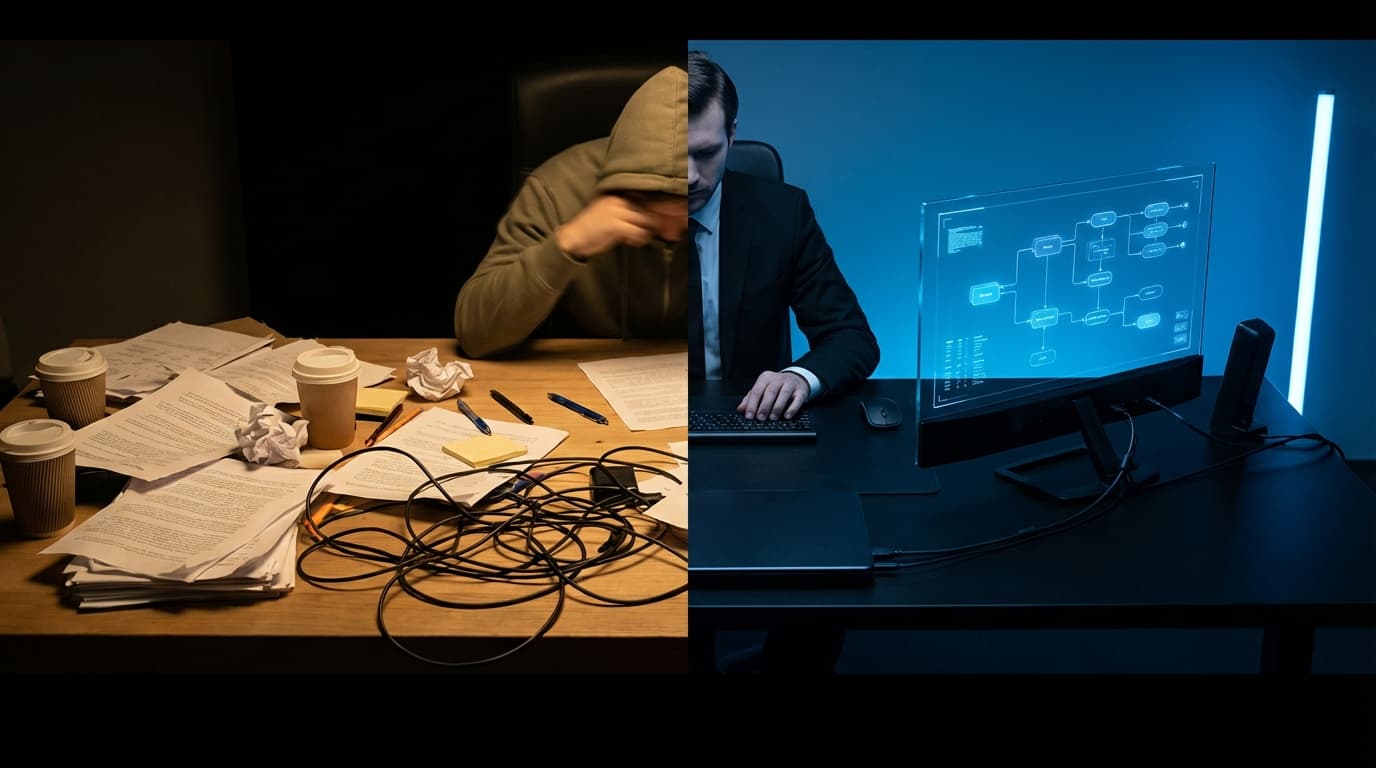
If there is one conversation our team has over and over again with business owners across the Tampa Bay area—from boutique agencies in Hyde Park to logistics companies near the Port—it is the struggle of the "scaling trap." You land more clients, revenue ticks up, but suddenly, the quality of your service dips, and you find yourself working 14-hour days just to put out fires.
The solution isn't always "hire more people." In a tight labor market like we see in Hillsborough County right now, hiring is expensive and time-consuming. The real solution lies in transforming your tribal knowledge into a scalable system. It lies in the marriage of Standard Operating Procedures (SOPs) and Workflow Automation.
At Everyday Workflows, we believe that you cannot automate chaos. Before you can let the robots take over, you need a blueprint. In this comprehensive guide, we are going to break down exactly how to document your processes and turn them into automated workflows that save 20+ hours a week.
The High Cost of "Wingng It"
When you rely on memory or "tribal knowledge" to run your business, you are strictly limited by your own cognitive load.
For many local service providers we talk to, the "process" for client onboarding looks something like this:
- Sign the contract.
- Remember to send the welcome email (maybe do it three days late).
- Manually create a folder in Google Drive.
- Ping the team on Slack to start the project.
This works when you have two clients. It breaks when you have twenty. The cost isn't just missed steps; it's inconsistent client experiences, employee burnout, and an inability to sell the business later (buyers buy systems, not sweat equity).
Phase 1: The Audit (Mapping the Mess)
Before we open a single piece of software, we need to map the territory. You need to identify the "heavy lifters"—the processes that are repetitive, high-volume, and prone to human error.
Identifying Automation Candidates
We recommend a simple audit exercise. For one week, keep a notepad on your desk. Every time you do a task, ask yourself three questions:
- Is this repetitive? Do I do this more than 3 times a week?
- Is this trigger-based? Does this happen immediately after something else (e.g., "When a lead fills out a form")?
- Does it require human judgment? Or is it just moving data from A to B?
If a task is repetitive, trigger-based, and requires low judgment, it is a prime candidate for automation. Common examples we see in Tampa service businesses include:
- Lead Capture: Moving data from a messy Contact Us form into a CRM like HubSpot or Pipedrive.
- Invoicing: Generating a QuickBooks invoice automatically when a deal is marked "Won."
- Onboarding: Sending a welcome packet and contract immediately upon sign-up.
Phase 2: Documentation (The Forgotten Step)
This is where most businesses fail. They try to automate a process they haven't defined. As we often say, automation simply speeds up a process. If your process is broken, automation just helps you break things faster.
The "Loom & Scribe" Method
Gone are the days of writing 40-page Word documents that nobody reads included in a dusty employee handbook. We use a dynamic approach to SOP creation that saves time and improves clarity.
Step 1: Record the Reality Use a tool like Loom to record your screen while you perform the task. Talk through it as if you are training a new hire. "First, I click here because..." This captures the nuance that written text often misses.
Step 2: Transcribe to Process Once the video is recorded, we use tools like Scribe or AI transcription to turn that video into a step-by-step written guide with screenshots.
Step 3: Centralize Store these SOPs in a central knowledge base like Notion or ClickUp. A PDF on your desktop is useless; a searchable database in the cloud is an asset.
Need help streamlining your operations?
At Everyday Workflows, we specialize in building custom automation solutions for Tampa-based businesses.
Book Your Free Audit to see how we can save you 10+ hours a week.
Phase 3: Building the Automation
Once the SOP is clear, we can build the robots. For the sake of this guide, we will focus on a tool accessible to most small businesses: Zapier. (Though we also heavily utilize Make.com for more complex logic).
Let's look at a practical usage case: Automating Client Onboarding.
The "Zero-Touch" Onboarding Workflow
Imagine a world where a client signs a proposal, and everything else happens automatically. Here is how we build that structure:
1. The Trigger
- Source: PandaDoc / DocuSign / Dubsado
- Event: Document Status Changed to "Completed"
- Why: This is the definitive moment a prospect becomes a client.
2. Action A: The Communications
- Tool: Gmail / Outlook
- Action: Send Email
- Detail: The system sends a pre-templated "Welcome Aboard" email. It includes a link to schedule their kickoff call and a link to the shared folder. This happens instantly, making your business look incredibly responsive, even if you are asleep.
3. Action B: The Administration
- Tool: Google Drive / Dropbox
- Action: Create Folder
- Detail: The automation creates a new folder named "[Client Name] - Projects" and populates it with your standard sub-folders (Assets, Invoices, Deliverables). No more hunting for files.
4. Action C: The Financials
- Tool: QuickBooks Online / Xero
- Action: Create Customer & Invoice
- Detail: The client's data is pushed into your accounting software. If you take a deposit upfront, the invoice is generated and sent.
5. Action D: The Team Notification
- Tool: Slack / Microsoft Teams
- Action: Send Channel Message
- Detail: "🎉 New Client Alert: [Client Name] has signed! The kickoff folder is ready here: [Link]."
The Result
In a manual world, the steps above might take 45 to 90 minutes of administrative work. With automation, they take approximately 0.4 seconds.
But the real value isn't just the time saved—it's the accuracy. There are no typos in the folder name. The invoice is never forgotten. The welcome email never gets stuck in drafts.
Overcoming "Automation Anxiety"
We often hear clients in local industries—particularly in real estate or legal fields—express concern that automation feels "robotic" or "impersonal."
This is a valid concern, but it views automation through the wrong lens.
Automation is not about removing the human element; it is about removing the robot element from the human. Data entry, file organization, and scheduling are robotic tasks. When you automate those, you free up your team to do what humans do best: strategy, creative problem solving, and relationship building.
If your team in Tampa is spending 10 hours a week copying and pasting data between spreadsheets, they aren't spending those 10 hours servicing your clients.
Implementation: Where to Start?
Starting your automation journey can feel overwhelming. We recommend the "1% Rule." Do not try to automate your entire business overnight.
- Pick ONE process. (We suggest Onboarding or Lead Qualification).
- Map it out on paper or a whiteboard.
- Document it (The SOP).
- Automate it using a tool like Zapier.
- Test it thoroughly for two weeks.
Once that process is stable, move to the next. Over the course of a year, these small incremental gains compound into a massive competitive advantage.
Conclusion: The Tampa Advantage
Tampa Bay is evolving into a major tech and business hub. The competition is heating up. The businesses that will thrive in this next decade are not necessarily the ones who work the hardest, but the ones who operate the smartest.
By implementing strict SOPs and intelligent workflows, you are building an infrastructure that allows you to scale without the growing pains. You are building a business that runs efficiently, predictably, and profitably.
Stop trading your time for administration. Start building your machine.
Ready to transform your workflow?
At Everyday Workflows, we help businesses across Florida reclaim their time through intelligent automation. We don't just set up software; we design the ecosystems that allow your business to grow.

The Author
Alex De Gracia
Founder & Lead Automation Consultant
Founder of Everyday Workflows with expertise in workflow automation, AI implementation, and business process optimization. Active in Tampa business community, South Tampa Chamber of Commerce, and Young Catholic Professionals Tampa.
Our ApproachReady to Automate?
Book a free strategy session to discuss how intelligent automation can transform your business operations.
Book Strategy Session