Streamlining Success: The Ultimate Guide to Workflow Automation in Tampa

By Alex De Gracia, Founder, Everyday Workflows
In the bustling economic landscape of Tampa Bay—from the historic brick streets of Ybor City to the gleaming high-rises of Water Street—business owners are constantly battling a hidden enemy: manual inefficiency. As our local economy continues to expand, maintaining a competitive edge involves more than just hard work; it requires smart, scalable systems.
At Everyday Workflows, we have observed a consistent trend among small to mid-sized businesses in the region. Whether it is a digital marketing agency in Hyde Park or a logistics firm near local ports, the bottleneck is rarely a lack of customers. Instead, it is the administrative friction that slows down delivery and burns out talent. This guide explores how workflow automation can transform your operations, allowing you to focus on growth rather than grinding through spreadsheets.
The Case for Automation in the Tampa Market
The business climate in Florida is shifting. With an influx of new residents and companies relocating to the Sunshine State, competition is fiercer than ever. Speed and reliability are now the primary differentiators. If your team takes two days to respond to a lead because the email was buried in an inbox, that potential client has likely already signed with a competitor in Westshore who uses automated lead routing.
Automation is often misunderstood as a way to replace humans. Our team views it differently. We see automation as a tool to elevate humans. By removing repetitive, low-value tasks from your team's plate, you free them to do what they do best: solve complex problems and build relationships.
The Hidden Cost of Manual Data Entry
Consider the time spent moving data from one platform to another. A customer fills out a form on your website. Someone on your team receives an email, logs into your CRM, creates a contact, then logs into QuickBooks to create an invoice, and finally opens Gmail to send a welcome packet.
If this process takes 20 minutes and occurs 10 times a week, that is over 170 hours a year—roughly one full month of work for an employee—wasted on copy-pasting data. This does not account for the inevitable human error: typos in email addresses, missed invoices, or forgotten follow-ups.
Identifying Your Bottlenecks
Before implementing tools like Zapier or Make, you must understand your current workflow. We recommend starting with a "Process Audit." Gather your team and map out the lifecycle of a client, from inquiry to offboarding.
Look for these red flags:
- Duplicate Data Entry: Are you typing the same information into multiple systems?
- Communication Delays: Does the baton drop between sales and operations?
- Lack of Visibility: Do you struggle to answer the question, "What is the status of Project X?" without asking three different people?
If you identify with any of these scenarios, your business is a prime candidate for automation.
🚀 Ready to Streamline Your Operations?
Stop letting manual tasks slow down your growth. Our Tampa-based team specializes in building custom workflows that save time and reduce errors.
Top 5 Workflows You Should Automate Today
Based on our experience auditing dozens of local businesses, these are the five highest-impact automations you can implement immediately.
1. The "Speed-to-Lead" Response System
In industries like real estate or home services, response time is critical. We can configure a workflow where a form submission on your website instantly triggers a sequence:
- A contact is created in your CRM (e.g., HubSpot or Pipedrive).
- A personalized email acknowledgment is sent to the lead within 60 seconds.
- A Slack notification is sent to your sales team with the lead's details.
- A task is assigned to a specific representative based on the lead's location (e.g., assigning a Tampa lead to the Hillsborough rep and a St. Pete lead to the Pinellas rep).
2. Automated Client Onboarding
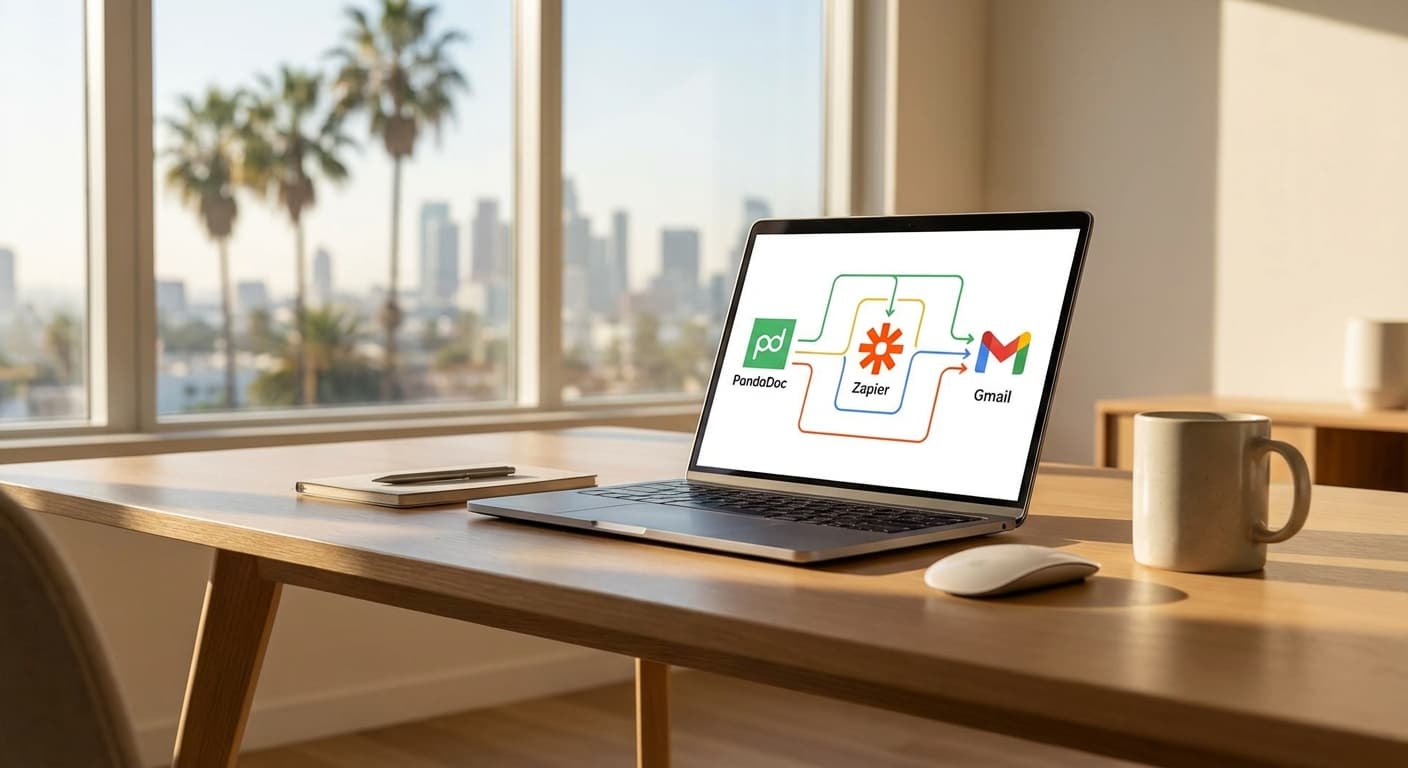
Once a deal is signed, the real work begins. Instead of manually assembling folders and drafting emails, an automated trigger (like a contract being signed in PandaDoc) can:
- Create a new project in your project management tool (Asana, Monday.com, or ClickUp).
- Generate a Google Drive folder structure for client assets.
- Send a welcome email with a scheduling link for the kickoff call.
- Add the client to your billing software.
3. Review Generation
For local businesses dependent on Google Reviews, timing is everything. We can set up a trigger that detects when a project is marked "Complete" or an invoice is paid. The system then waits 2 days and sends a polite request for a review, including a direct link to your Google Business Profile. If they don't click, a gentle reminder follows up 5 days later. This consistent process typically improves review volume significantly without awkward manual asks.
4. Invoice Chasing
Cash flow is the lifeblood of any small business. Chasing late payments is uncomfortable and time-consuming. Modern accounting tools can integrate with email automation to send polite reminders at set intervals (3 days before due, on due date, 3 days late, 7 days late). This ensures consistency and often results in faster payments, as the "system" is doing the asking, preserving the personal relationship between you and the client.
5. internal Meeting Prep
Instead of manually gathering metrics for your weekly team sync, an automation can scrape data from your various dashboards every Monday morning. It can compile sales figures, support ticket volumes, and active project counts into a concise report delivered to your team's leadership channel or inbox an hour before the meeting.
How to Implement Without Breaking Your Business
A common fear we hear is, "What if the automation breaks?" or "I don't want to lose the personal touch." These are valid concerns. Implementation should be approached methodically.
Phase 1: Mapping
Do not touch a piece of software until the process is drawn on a whiteboard. You need to know exactly what should happen before you tell a computer to do it.
Phase 2: Tool Selection
There are thousands of tools available. For most Tampa small businesses, we recommend a "Stack" approach:
- Central Nervous System: Zapier or Make (formerly Integromat).
- CRM: HubSpot (for scalability) or Pipedrive (for sales focus).
- Project Management: Monday.com or ClickUp.
- Communication: Slack or Microsoft Teams.
Phase 3: The "Human-in-the-Loop" Test
When we build automations, we often include a "Human-in-the-Loop" step initially. For example, the automation might draft the email but save it as a draft rather than sending it. A human reviews it and clicks send. Once you trust the system (usually after 2-4 weeks), you can remove the manual review step.
Navigating the Labor Shortage with Technology
It is no secret that hiring has become challenging across Florida. By automating administrative work, you effectively clone your best employees. If your top salesperson no longer spends 10 hours a week entering data, they have effectively gained 25% more capacity to sell.
This is also a retention strategy. High-performing employees hate busy work. They want to feel productive and impactful. Providing them with a modern, streamlined tech stack shows that you respect their time and talent.
Conclusion
The transition from manual chaos to automated efficiency does not happen overnight. It is an iterative process. However, the cost of inaction is high. As the Tampa Bay region continues to magnetize new businesses and talent, the companies that will thrive are those that can scale their operations without a linear increase in overhead.
Your workflows are the operating system of your business. If they are buggy, slow, and manual, your growth will stall. If they are smooth, automated, and integrated, the sky is the limit.
Let’s get your business moving at the speed of modern commerce.
About the Author

Alex De Gracia
Founder & Lead Automation Consultant
Founder of Everyday Workflows with expertise in workflow automation, AI implementation, and business process optimization. Active in Tampa business community, South Tampa Chamber of Commerce, and Young Catholic Professionals Tampa.
Learn more about our approach →Last updated: February 13, 2026
Ready to automate your workflows?
Book a free strategy session to discuss how automation can transform your business.