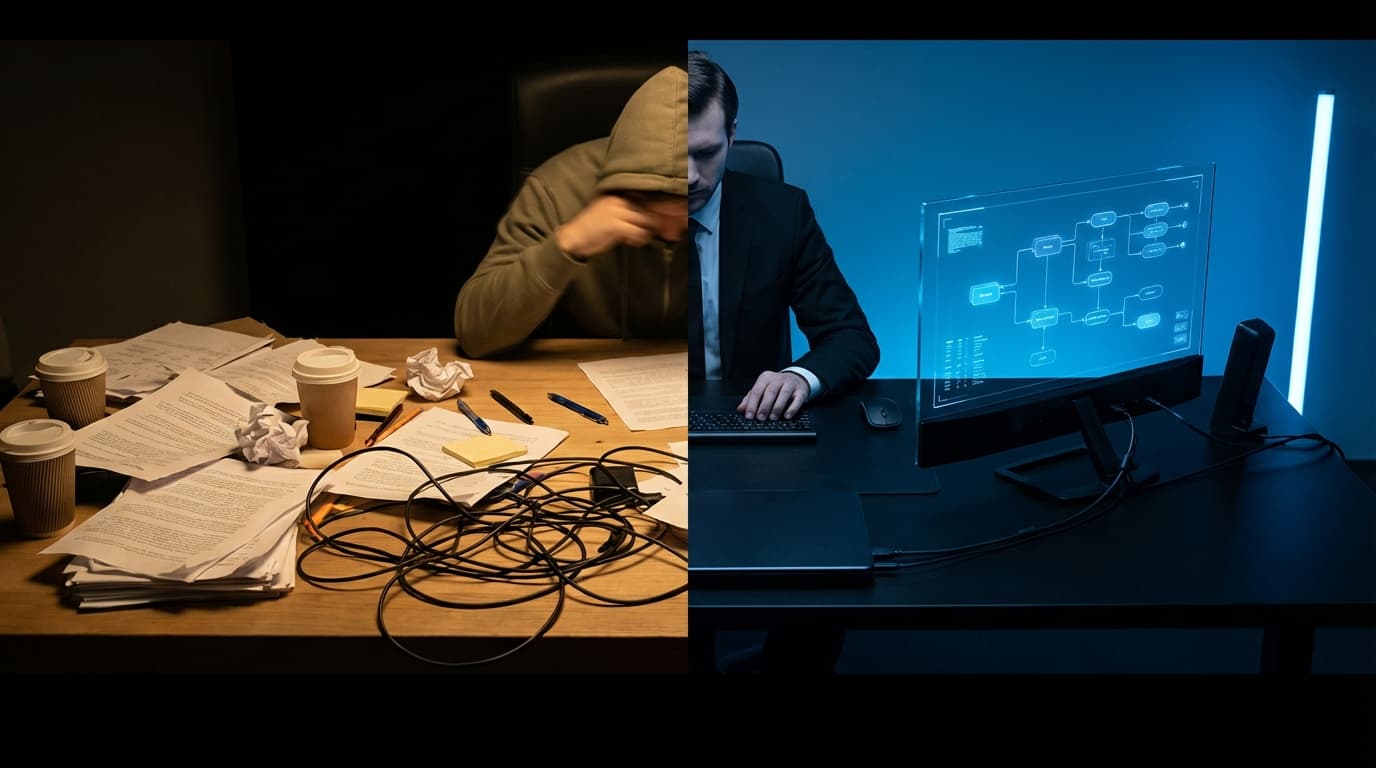
Stop the Admin Overload: How to Automate Your Tampa Business Operations
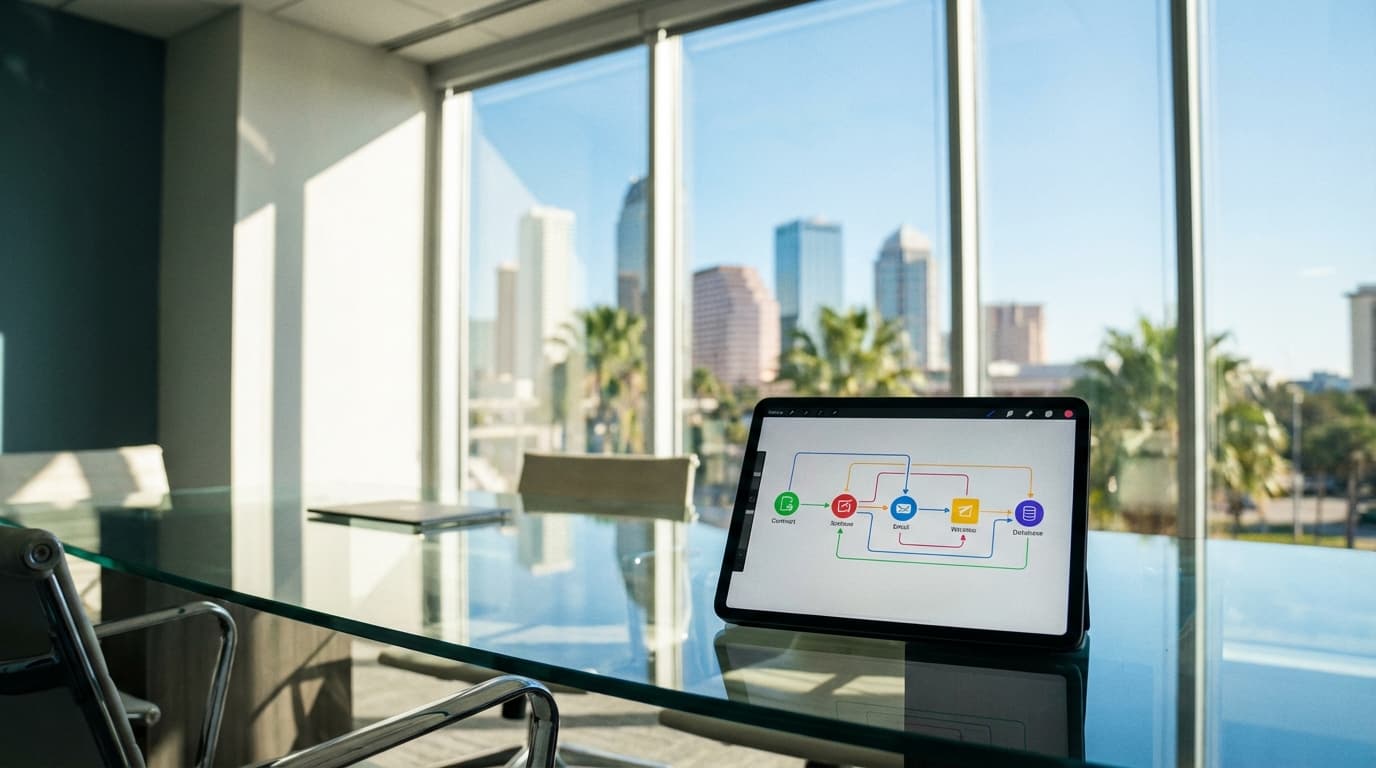
By Alex De Gracia, Founder, Everyday Workflows
Running a business in the thriving Tampa Bay area comes with a specific set of challenges. Whether your office overlooks the water in Rocky Point, you're hustling in the historic streets of Ybor City, or managing a remote team spread across Hillsborough County, the pressure is consistent: do more with less.
At Everyday Workflows, we frequently speak with business owners who feel trapped in the "success paradox." Business is booming—Tampa is growing, after all—but the increased revenue has brought a tidal wave of administrative busywork. Instead of focusing on strategy or client relationships, you are stuck copy-pasting data between spreadsheets, chasing invoices, and manually sending onboarding emails.
If this sounds familiar, you aren't alone. However, the solution isn't necessarily hiring more administrative staff; it is building a smarter infrastructure. In this guide, we are going to break down exactly how Tampa service businesses can transition from manual chaos to automated precision.
The High Cost of Manual Operations
Before we dive into the "how," we need to address the "why." Many business owners underestimate the cost of manual tasks. It is not just about the five minutes it takes to send an invoice. It is about the context switching.
Research suggests that it takes an average of 23 minutes to regain focus after an interruption. If you interrupt your deep work three times a day to handle "quick" admin tasks, you are losing over an hour of peak productivity daily. Over a year, that is weeks of lost innovative time.
Furthermore, manual processes are prone to human error. A typo in a contract sent to a client in Westshore or a missed follow-up with a lead in St. Petes can cost thousands in potential revenue and damage your reputation. Automation triggers don't get tired, they don't make typos, and they work 24/7.
Core Pillars of Business Automation
When our team audits a business, we look for three primary "buckets" of activity that are ripe for automation. We recommend you start your journey here:
1. Lead Management and Follow-Up
Speed to lead is critical. If a potential client fills out a form on your website on a Friday afternoon, waiting until Monday morning to respond might mean losing the deal to a competitor.
- The Old Way: You receive an email notification, you manually type a reply, and you create a calendar reminder to follow up.
- The Automated Way: A webhook captures the form data. Your CRM (HubSpot, Pipedrive, etc.) creates a deal automatically. An SMS is sent immediately acknowledging the inquiry, and a personalized email sequence begins.
2. Client Onboarding
This is where most professional service firms in Tampa struggle. You close the deal, but then the paperwork begins.
- The Old Way: You download the signed PDF, upload it to Dropbox, open QuickBooks to create an invoice, open your project management tool to create a board, and draft a welcome email.
- The Automated Way: The signature on the digital contract triggers a workflow. The invoice is generated and sent. The Google Drive folder hierarchy is created. The project board is populated with standard tasks. The client receives a "Welcome Aboard" packet instantly.
3. Fulfillment and Reporting
Keeping clients updated shouldn't require you to manually compile spreadsheets.
- The Old Way: Every Friday, you spend two hours copying metrics into a report.
- The Automated Way: A script pulls data from your ad platforms or time-tracking software and populates a live dashboard (like Looker Studio) that the client can access anytime.
Need help automating your business?
At Everyday Workflows, we build custom automation systems for Tampa businesses. Book a Free Audit Call
Step-by-Step: Building The "Perfect" Onboarding Workflow
To make this actionable, let’s walk through a specific implementation. We will use a hypothetical marketing agency based in Hyde Park as our example, but this logic applies to legal firms, construction contractors, and consultants alike.
The Goal: Automatically onboard a new client as soon as a proposal is signed. The Stack: PandaDoc (Contracts), Zapier (The Connector), Slack (Internal Comms), ClickUp (Project Management), and Google Drive (Storage).
Step 1: The Trigger
The workflow begins in PandaDoc. We set the trigger event to "Document Status Changed" to "Completed." This ensures the automation only runs when all parties have signed.
Step 2: Internal Notification
The first action is letting the team know a win has occurred. We configure Zapier to send a message to the company Slack channel #wins.
- Message Text: "🎉 New Client Alert! [Client Name] just signed the value of [Deal Value]. Time to get to work!"
- Why this matters: It boosts morale and ensures the fulfillment team is alerted instantly without a meeting.
Step 3: Digital Filing Cabinet
Next, we need a place to store assets. We use the "Create Folder" action in Google Drive.
- Logic: We set the folder name to be "[Client Name] - [Month/Year]".
- Sub-folders: We can even have the automation create sub-folders inside that main folder labeled "Assets," "Contracts," and "Deliverables."
Step 4: Asset Management
We don't want the signed PDF lost in an email inbox. We add a step to "Upload File" to Google Drive, taking the PDF from the PandaDoc trigger and placing it into the "Contracts" folder we just created in Step 3.
Step 5: Project Infrastructure
This is the heavy lifting. We connect to ClickUp.
- Action: "Create List from Template."
- Detail: We select our pre-made "New Client Onboard" template. This template already contains 25 standard tasks (e.g., "Schedule Kickoff," "Request Logos," "Audit Competitors").
- Mapping: We map the due dates relative to the contract signing date (e.g., Kickoff is due 3 days after signing).
Step 6: The Welcome Email
Finally, we connect to Gmail or Outlook.
- Action: Send Email.
- Recipient: The email address from the PandaDoc document.
- Content: A warm, pre-written plain text email (which feels more personal than a flashy HTML newsletter) from the founder. It includes a link to book the kickoff call and a link to the shared Google Drive folder created in Step 3.
Overcoming Implementation Anxiety
We often hear clients say, "This sounds great, but I'm not technical." The beauty of modern "No-Code" tools is that you don't need to be a developer to build these flows. Tools like Zapier, Make, and HubSpot have visual builders.
However, the challenge usually isn't the software; it's the process mapping. You cannot automate a mess. Before you purchase any software subscriptions, we recommend sitting down with your team and a whiteboard. Map out every single step of your current process. Identify where the bottlenecks are. Ask yourself: "Where do we consistently drop the ball?"
The Tampa Market Advantage
Tampa is rapidly evolving into a tech and business hub. Competition is rising in every sector from South Tampa real estate to IT services in the Corridor. The businesses that will dominate the next decade are the ones that can scale personalized service.
Automation allows you to be "big" in capacity but "small" in feel. You can handle 10x the volume of clients because your back-end operations are seamless, while your front-end interactions remain high-touch and personal because you have freed up the time to make them so.
Conclusion: Start Small, But Start Now
You do not need to overhaul your entire business overnight. Start with one pain point—perhaps your invoicing or your lead follow-up. Build that automation, test it for two weeks, and refine it. Once that is running smoothly, move to the next bottleneck.
The goal at Everyday Workflows isn't just to save you time; it's to give you the mental clarity to lead your business effectively. If you are ready to stop drowning in admin and start scaling your operations, our team is here to help you design the roadmap.
Let's make work easier.
Ready to streamline your operations?
Our team helps Tampa businesses reclaim their time through intelligent automation. Book a Free Audit Call
About the Author

Alex De Gracia
Founder & Lead Automation Consultant
Founder of Everyday Workflows with expertise in workflow automation, AI implementation, and business process optimization. Active in Tampa business community, South Tampa Chamber of Commerce, and Young Catholic Professionals Tampa.
Learn more about our approach →Last updated: March 1, 2026
Ready to automate your workflows?
Book a free strategy session to discuss how automation can transform your business.